
Your AV system is no longer just a “nice-to-have.” It’s a critical part of how your organization communicates, collaborates, and presents itself every single day. From conference rooms and training spaces to classrooms, healthcare environments, and commercial facilities, audio-visual technology now plays a direct role in productivity, professionalism, and overall user experience.
At Capstream Technologies, we see firsthand how outdated AV equipment quietly holds organizations back. When audio is hard to hear, video looks dated, or meetings start with troubleshooting instead of progress, the issue isn’t just inconvenience, it’s lost time, reduced confidence, and missed opportunities. In many cases, these frustrations are signs that an AV system upgrade is overdue. For businesses and organizations in Olean, NY, this challenge is especially common. Many AV systems were designed years ago for in-person use, fixed devices, and basic presentations. Today’s expectations are very different. Hybrid meetings, wireless collaboration, smart building integration, and higher standards for sound and image quality demand modern, reliable AV infrastructure. When older systems are pushed beyond their limits, performance suffers, and so does your team’s ability to work efficiently.
Below, we break down the seven most common signs it’s time to upgrade your AV system, explain why they happen, and outline how organizations in Olean can approach modernization in a smart, cost-effective way, with guidance from a local technology partner who understands both the technical details and the real-world demands of your environment.
1. Why Your AV Setup Might Be Holding You Back in Olean, NY
For many businesses and organizations in Olean, NY, AV systems tend to fade into the background, until something goes wrong. The issue is that by the time audio cuts out, video won’t display, or meetings stall, the system has often been holding you back for far longer than you realize. Outdated AV equipment doesn’t usually fail all at once. Instead, it creates small, recurring inefficiencies that quietly compound over time.
A common challenge in the Olean area is that many AV setups were installed years ago to meet very specific needs: basic presentations, fixed desktop connections, or in-room meetings only. Since then, the way teams communicate has changed dramatically. Hybrid work, remote collaboration, wireless screen sharing, and higher expectations for sound and image quality have become the norm, not the exception. When older systems are asked to support these modern workflows, reliability and performance quickly break down.
Another factor is infrastructure. Buildings throughout Olean often have legacy cabling, limited network capacity, or spaces that were never acoustically optimized. Even well-maintained AV equipment can struggle in these environments if it wasn’t designed with today’s demands in mind. The result is inconsistent audio coverage, dim or outdated displays, and systems that require constant manual adjustments just to function at a basic level. From a business perspective, these issues create real consequences. Meetings take longer to start, staff lose confidence in the technology, and users default to workarounds that reduce the value of the system altogether. In customer-facing environments, outdated AV can also undermine professionalism, making your organization appear less polished or less prepared than competitors with modern, integrated solutions.
Perhaps most importantly, an aging AV setup limits growth. Adding new conference rooms, expanding training spaces, or integrating smart building features becomes more expensive and complex when your current system lacks scalability. Instead of building on a strong foundation, you’re forced to patch and adapt outdated components, often at a higher long-term cost.
This is why an AV system upgrade is often less about replacing equipment and more about removing barriers. When your technology is aligned with how your space is actually used, it supports collaboration instead of slowing it down. For organizations in Olean, NY, recognizing how outdated AV equipment is quietly holding you back is the first step toward a more reliable, professional, and future-ready environment.
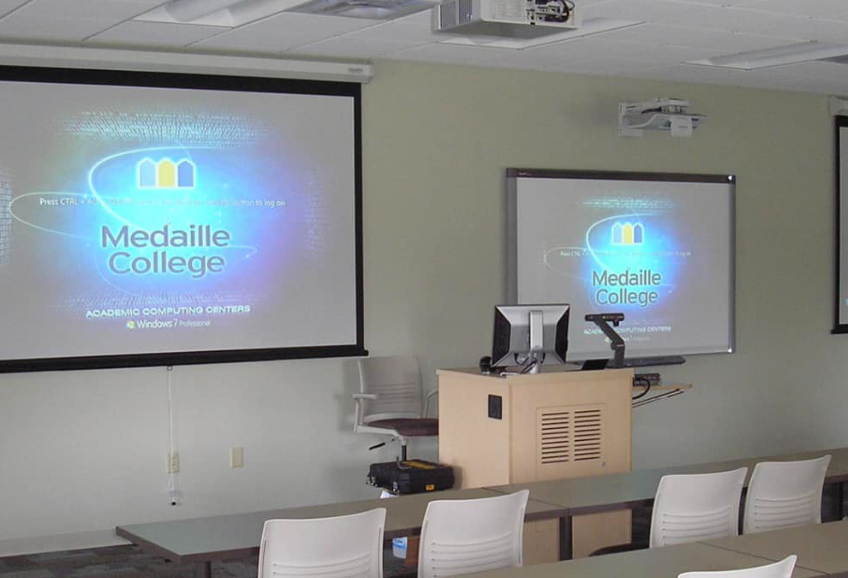
2. The 7 Signs It’s Time to Upgrade Your AV System
If any of the following signs feel familiar, your system is likely operating beyond its intended lifespan, and an AV system upgrade should be seriously considered.
Sign #1: Your Audio Is Muffled, Uneven, or Constantly “Not Loud Enough”
What You Notice
- Some seats hear clearly while others hear almost nothing
- Frequent feedback, echo, or distortion
- Presenters constantly ask, “Can you hear me?”
- Volume changes drastically between speakers or content types
Why It Happens
- Aging speakers with worn cones or degraded drivers
- Undersized or failing amplifiers
- Poor audio zoning or outdated signal processing
- Rooms that were never acoustically tuned
Step-by-Step Fix Checklist
Quick internal checks:
- Test audio levels from multiple seating positions
- Play consistent test tones or speech content
- Check for rattling or distortion at moderate volume
What a professional measures:
- Room acoustics and reverberation time
- Signal-to-noise ratio
- Speaker coverage patterns and SPL consistency
Upgrade Threshold
If audio problems persist despite adjustments, EQ tweaks, or speaker replacements, it’s a sign of system-level limitations, not settings. At this point, an AV system upgrade is the only reliable solution.
Sign #2: Meetings Start With Troubleshooting (Not Talking)
The “First 10 Minutes” Problem
- No signal on the display
- Wrong input selected
- HDMI adapters missing or incompatible
- Laptop won’t connect to the system
Why Older Systems Fail Modern Workflows
- Designed for fixed inputs, not BYOD
- No native support for Zoom, Microsoft Teams, or wireless sharing
- Inconsistent cabling standards
- Manual switching with no automation
Step-by-Step: A Reliable Meeting-Start Workflow
- Standardize connection methods across rooms
- Implement one-touch meeting join
- Enable wireless screen sharing with secure network access
- Use unified control interfaces
Upgrade Threshold
If multiple meetings per week are delayed due to AV issues, the productivity loss alone justifies an AV system upgrade.
Sign #3: Your Video Looks Dated or Inconsistent
What “Outdated” Video Looks Like Today
- Grainy or soft images
- Dim displays that struggle in daylight
- Incorrect aspect ratios or stretched content
- Washed-out colors
Root Causes
- Low-resolution projectors or early-generation flat panels
- Degraded lamps or LED backlights
- Poor signal scaling
- Displays undersized for the room
Step-by-Step: Assessing Display Performance
- Check brightness during peak daylight
- Compare the displayed resolution to source resolution
- Evaluate visibility from the farthest seat
- Assess color consistency across inputs
Upgrade Threshold
When visuals undermine professionalism, brand perception, or learning outcomes, outdated AV equipment is actively costing you credibility.
Sign #4: Smart Integration Gaps
What This Looks Like
- Multiple remotes or control apps
- Manual switching between systems
- No automation for lights, shades, or audio zones
- AV operates independently from the building
Why Integration Breaks
- Legacy control systems
- Incompatible communication protocols
- Weak or unmanaged networks
Step-by-Step: A Modern Integration Map
- Centralized control (tablet or wall panel)
- Calendar-based room scheduling
- Occupancy-based automation
- Lighting, audio, and display coordination
Upgrade Threshold
When convenience becomes essential, not optional, an AV system upgrade delivers measurable ROI through time savings and ease of use.
Sign #5: You’re Stuck With Cables Because Wireless “Never Works”
Typical Symptoms
- Lag during screen sharing
- Random disconnects
- “The Wi-Fi is the problem” explanation
- Users avoid wireless altogether
Why Wireless AV Fails
- Insufficient network bandwidth
- High RF interference
- Outdated wireless endpoints
- Poor network segmentation
Step-by-Step: Making Wireless AV Reliable
- Upgrade network infrastructure
- Use enterprise-grade wireless presentation systems
- Properly segment AV traffic
- Standardize supported devices
Upgrade Threshold
If wired-only workflows are limiting flexibility, collaboration, or room usage, outdated AV equipment is the root cause.
Sign #6: Your System Can’t Scale
Common Growth Triggers in Olean, NY
- New conference rooms
- Training spaces
- Lobby or digital signage
- Expanding teams
Why Scaling Fails
- No amplifier headroom
- Incompatible components
- Complex, undocumented signal paths
Step-by-Step: Planning for Scalability
- Standardize room designs
- Use modular AV components
- Plan phased upgrades
- Document signal flow
Upgrade Threshold
When patching and workarounds cost more than modernization, it’s time for a full AV system upgrade.
Sign #7: Support Is Hard to Find
The End-of-Life Reality
- Discontinued hardware
- No firmware updates
- Limited or no vendor support
Risks of Aging AV Systems
- Security vulnerabilities
- Increased failure rates
- Downtime during critical meetings
Step-by-Step: Checking Lifecycle Status
- Identify model numbers
- Verify manufacturer support timelines
- Review firmware update history
Upgrade Threshold
When failure risk outweighs replacement cost, proactive upgrading is the smarter business decision.
3. How to Upgrade (Step-by-Step Process)
- Step 1: Define the Real Problem: Focus on pain points, not products.
- Step 2: Inventory What You Have: List components, ages, models, cabling, and network dependencies.
- Step 3: Measure Room Needs: Acoustics, sightlines, lighting, noise floor, and seating matter.
- Step 4: Choose Priorities: Audio clarity, meeting reliability, signage, or control simplicity.
- Step 5: Design the System: Signal flow, network integration, and user experience come first.
- Step 6: Install and Configure: Proper commissioning, tuning, labeling, and documentation are critical.
- Step 7: Train Users and Set Support: A system only works if people know how to use it.
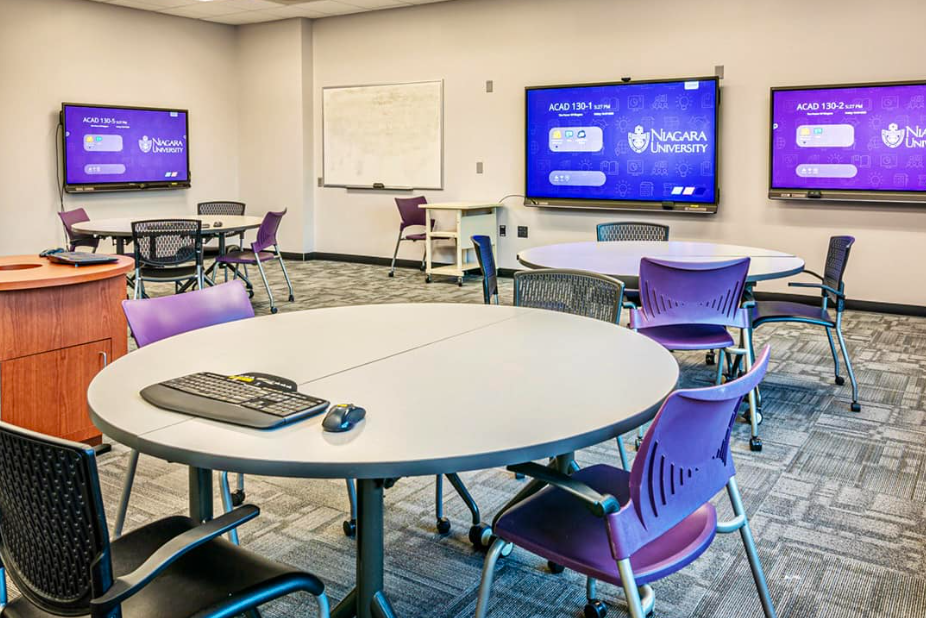
4. When Should You Upgrade Your AV System?
Best Timing Triggers
- Renovations or remodels
- New leadership expectations
- Hybrid work adoption
- Technology refresh cycles
Typical Lifecycle Guidance
- Displays: 5–7 years
- Audio components: 7–10 years
- Control systems: 5–8 years
- Conferencing hardware: 3–5 years
A Practical Rule
Proactive upgrades cost less, and disrupt less, than emergency replacements.
Conclusion
An AV system upgrade isn’t about chasing the latest trends or investing in technology for technology’s sake. It’s about ensuring reliability, clarity, and long-term readiness in the spaces where communication matters most. When your current AV setup feels fragile, inconsistent, or difficult to use, it’s often a sign that outdated AV equipment is quietly limiting productivity, collaboration, and professionalism. For organizations in Olean, NY, modern AV systems are no longer optional, they’re essential infrastructure. Whether it’s clearer audio in meetings, dependable video for presentations, seamless hybrid collaboration, or systems that scale as your needs grow, the right upgrade removes daily friction and restores confidence in your technology.
Capstream Technologies partners with local businesses, schools, healthcare providers, and commercial facilities to modernize AV environments with purpose. Through thoughtful system design, scalable solutions, and ongoing support, we help ensure your AV technology works for you, not against you, today and well into the future.

Howard Martin, Jr. is an Owner/Partner at Capstream Technologies with more than 20 years of experience in IT, finance, and business strategy. He oversees finance, accounting, customer support, and business development while helping organizations identify practical technology solutions that support real operational needs.